
Download PhotoMosaique – photo mosaic, create mosaic, photo collage, digital art, image maker, memory collage, photo art, create digital art
Overview
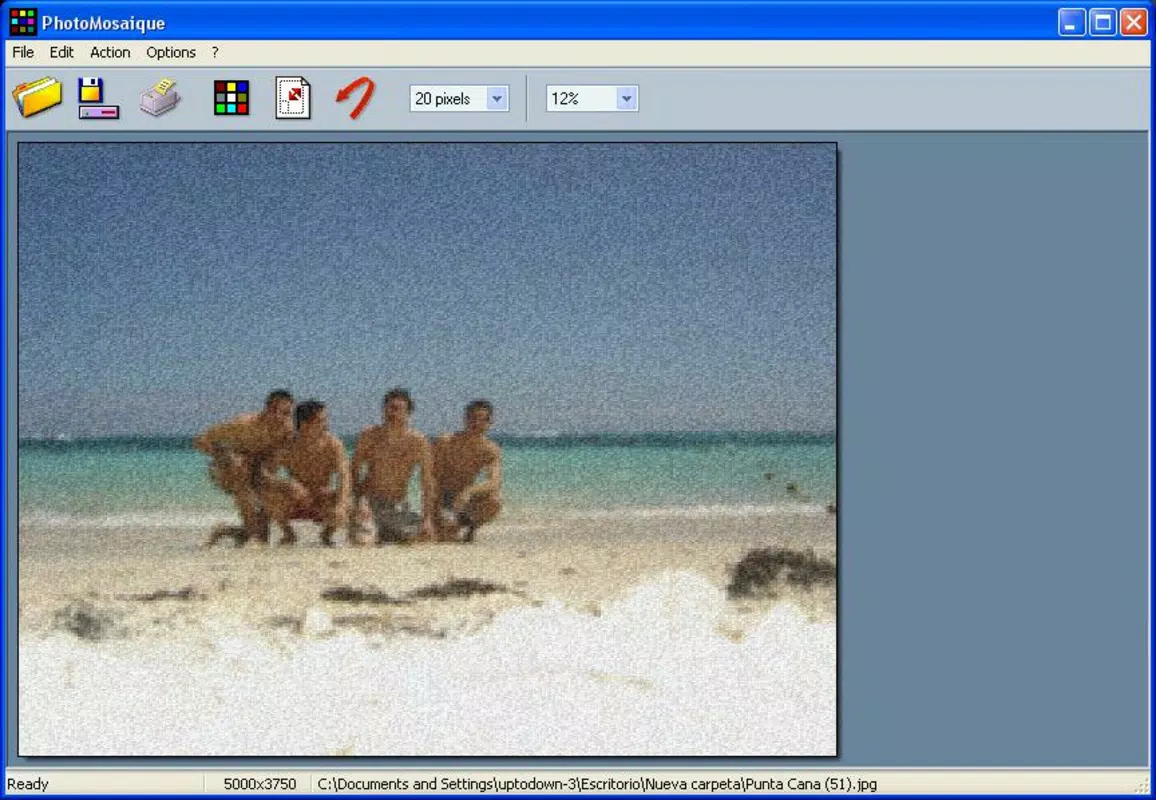
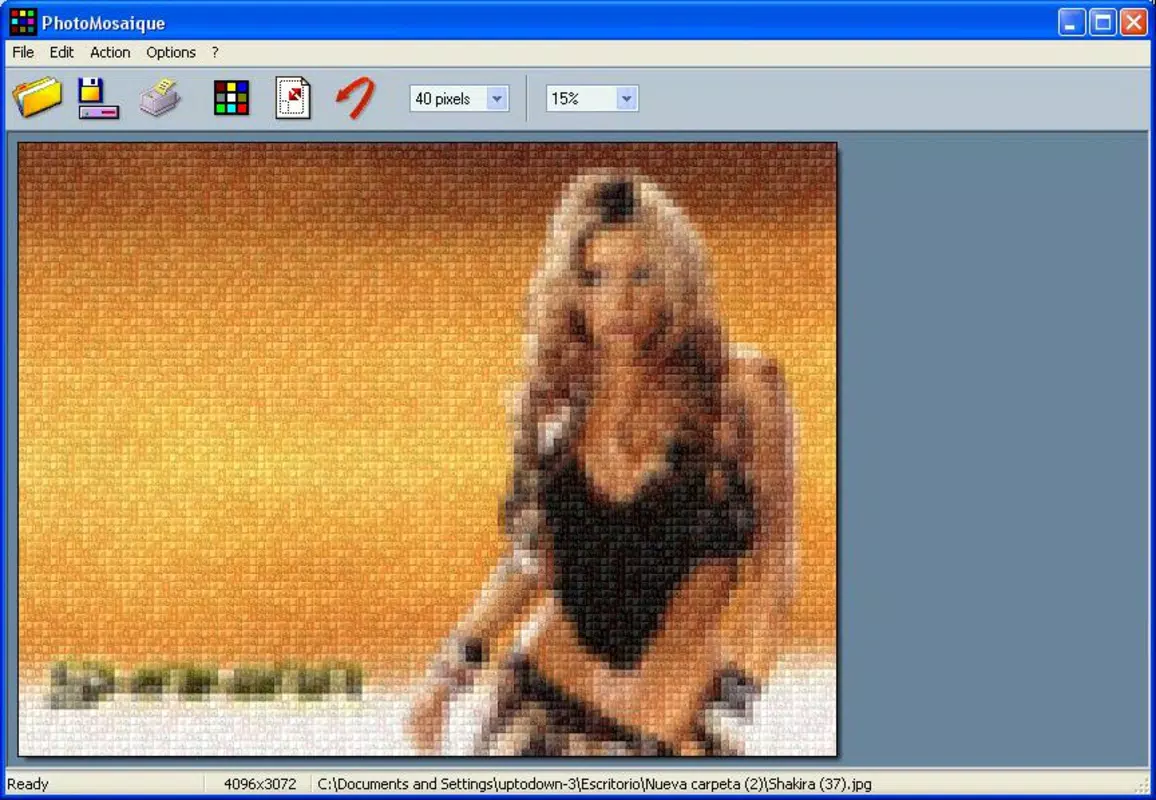
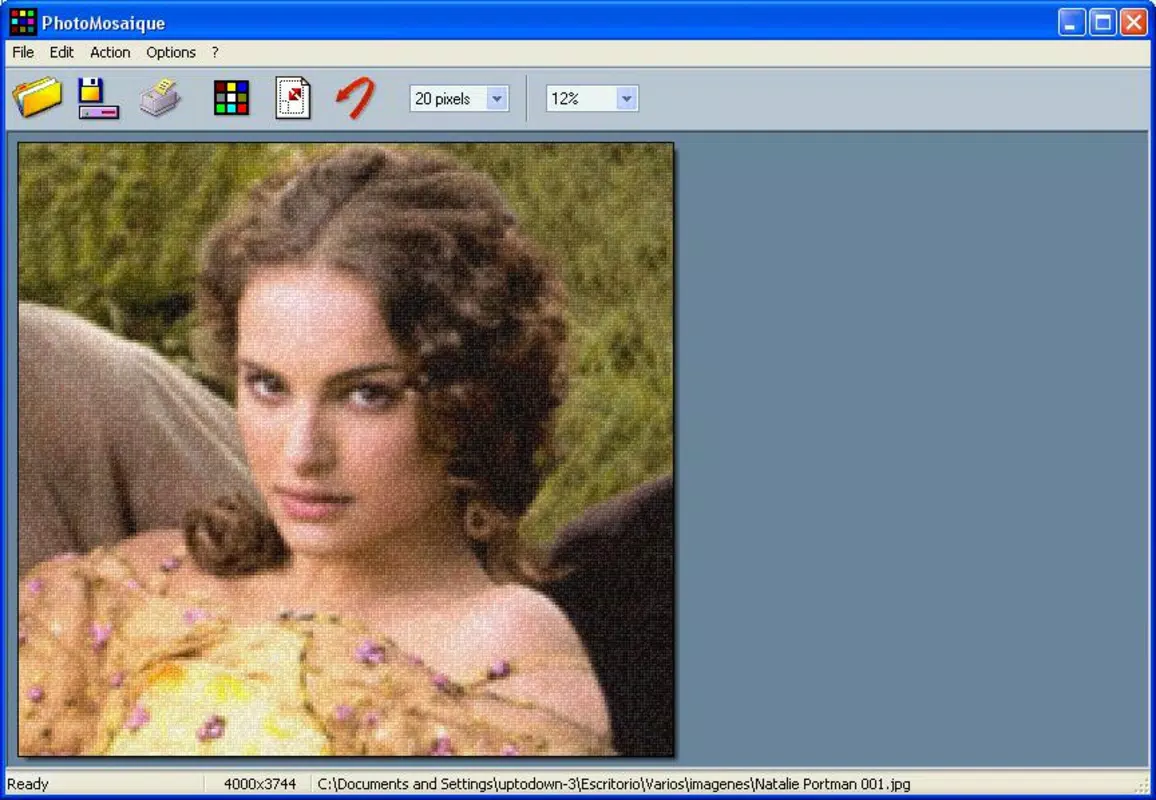
PhotoMosaique is a productivity-focused mobile application designed to transform personal photo collections into visually striking mosaics. The app enables users to merge numerous small images into a single, larger composite image, effectively turning memories into artistic expressions. This functionality is particularly useful for individuals seeking to preserve and creatively present moments from holidays, family gatherings, or special events. By converting a series of snapshots into a unified visual narrative, PhotoMosaique enhances the emotional value of digital photographs.
The application is ideal for casual users, amateur photographers, and anyone interested in digital art creation without requiring advanced technical skills. Its core purpose lies in simplifying the process of mosaic generation, allowing users to focus on creativity rather than complex editing tools. While the developer, PhotoMosaique, has not provided additional background information, the app’s long-standing presence since its release on July 27, 2006, suggests a stable and enduring product within the mobile ecosystem. The app’s continued availability on Android underscores its relevance in a market where visual storytelling through photo manipulation remains popular.
Real-world use cases include creating personalized gifts, digital scrapbooks, or social media content that stands out. The ability to convert a collection of images into a cohesive piece of art adds a layer of engagement to digital memory preservation. In the broader context of mobile productivity tools, PhotoMosaique occupies a niche that blends utility with artistic expression, offering a unique solution for users who value both function and aesthetic appeal.
Key Features & Functionality
- Simple User Interface: The app features an intuitive layout designed for accessibility across all skill levels. Users can begin creating a mosaic with minimal effort by selecting a main image and uploading supporting photos, with the app handling the complex alignment and tiling automatically.
- Customizable Mosaic Options: Users can adjust the number of small images used and control the overall dimensions of the final mosaic, allowing for tailored results that match specific creative goals or display formats.
- Multiple Save Formats: After creation, mosaics can be exported in a variety of high-quality formats, including BMP, GIF, JPEG, PNG, RLE, TGA, and TIFF, ensuring compatibility with different platforms and use cases such as printing or online sharing.
- Memory-Centric Design: The app encourages users to compile meaningful images—such as vacation photos or event snapshots—into a single artistic composition, reinforcing emotional connections to personal memories.
For example, a user could assemble dozens of photos from a wedding into a single mosaic that serves as a keepsake or digital frame. Another use case involves creating a birthday tribute by combining images of friends and family into a celebratory image. These applications demonstrate how the app bridges personal memory preservation with creative output, offering a practical yet expressive tool for everyday users.
Interface, UX & Performance
PhotoMosaique presents a clean and straightforward interface, prioritizing ease of use over visual complexity. The layout is organized around core functions—main image selection, secondary image upload, and export options—ensuring a logical flow for users. Navigation is minimal, relying on clear labels and direct actions, which reduces cognitive load and supports rapid task completion.
Although the developer did not list formal performance metrics, the app’s lightweight file size of 2.2 MB suggests optimized resource usage, likely contributing to smooth operation on a range of Android devices. Responsiveness appears consistent with its long-standing functionality, though specific details on performance across different device categories were not disclosed. Stability is implied by the app’s sustained availability since 2006, indicating reliable operation over time.
Users can expect a consistent experience when creating mosaics, with minimal lag during image processing. However, the app’s performance on older or low-end devices may vary without further technical specifications. The lack of real-time previews or advanced editing tools reflects a focused design philosophy—prioritizing core functionality over feature bloat.
Platform Compatibility & Technical Requirements
PhotoMosaique is available exclusively on the Android platform. The current version is 1.3.4, with a file size of 2.2 MB, making it a lightweight download suitable for devices with limited storage. The app is free to install, removing financial barriers to access.
The developer did not specify minimum OS requirements or compatibility details beyond the platform. As such, users should verify whether the app runs on their specific Android version. While the app has been available since 2006, it may not support the latest Android releases without updates. Compatibility with newer devices or operating systems remains uncertain without official documentation.
Pros and Cons
Pros
- Simple, intuitive interface suitable for users of all experience levels
- Supports multiple image formats for flexible export and sharing
- Lightweight size (2.2 MB) ideal for low-storage devices
- Free to download and use with no in-app purchases
- Encourages creative expression through memory-based image assembly
Cons
- Compatibility with modern Android versions not confirmed
- No information on minimum OS or device requirements
- Limited to Android platform only
- No real-time preview or advanced editing features
- Developer did not provide technical details or update history
FAQ
Is PhotoMosaique safe to download and use?
Yes, the app is free and available on official Android channels. As with any third-party app, users should ensure they download from trusted sources to maintain security.
Can I use PhotoMosaique on iOS devices?
Currently, the app is only available on Android. There is no official version for iOS.
What file formats does PhotoMosaique support for saving mosaics?
The app supports BMP, GIF, JPEG, PNG, RLE, TGA, and TIFF formats for exporting final creations.
How do I update PhotoMosaique?
Updates are typically available through the Google Play Store. Users should check for updates in their app library if a newer version is released.
Does PhotoMosaique require internet access?
While the app functions offline, internet access may be needed for updates or downloading additional content, if supported in future versions.
Final Thoughts
PhotoMosaique stands out as a dedicated tool for transforming personal photo collections into expressive digital art. Its user-friendly design, combined with flexible export options and a lightweight footprint, makes it a compelling choice for those seeking to creatively preserve memories. While it lacks modern features like real-time previews or cross-platform availability, its core functionality remains effective and purpose-built.
Users who value simplicity, affordability, and artistic expression will find significant value in this app. Whether creating a keepsake for a special occasion or experimenting with digital collage, PhotoMosaique delivers a meaningful experience with minimal friction. For those looking to turn a series of snapshots into a single, powerful visual story, this app offers a reliable and accessible solution.
Download PhotoMosaique now


